Apple / 2018
Apple EDU
Make Apple EDU learning stories feel immediate, creative, and useful across social branding and feature-driven how-to films.
MarketingWeb DesignArt Direction

At Kettle, I worked on-site at Apple headquarters in Cupertino, CA, embedded with the App Store and Apple EDU teams. I assisted with the iOS 11 social channels branding design system and storyboarding videos for new features and promotional campaigns for the Apple Learning Center. Client: Apple. Agency: Kettle. Role: Senior Designer. Collaborator: Matt Brant.
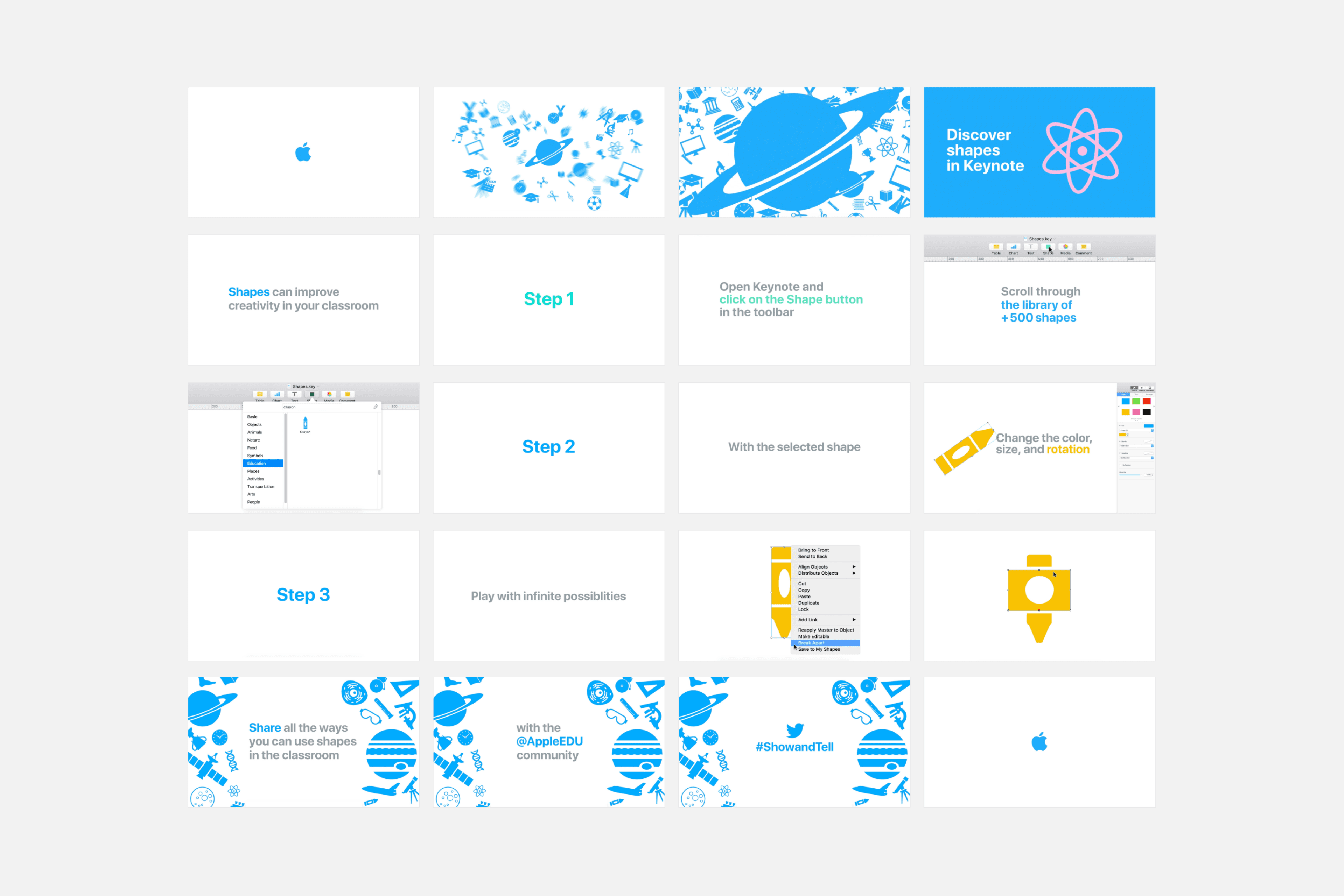
Discover Shapes In Keynote
As part of the Apple Learning Center, we created a how-to video for Apple EDU demonstrating how to build new shapes in Keynote with the shape tool to promote creativity and exploration.
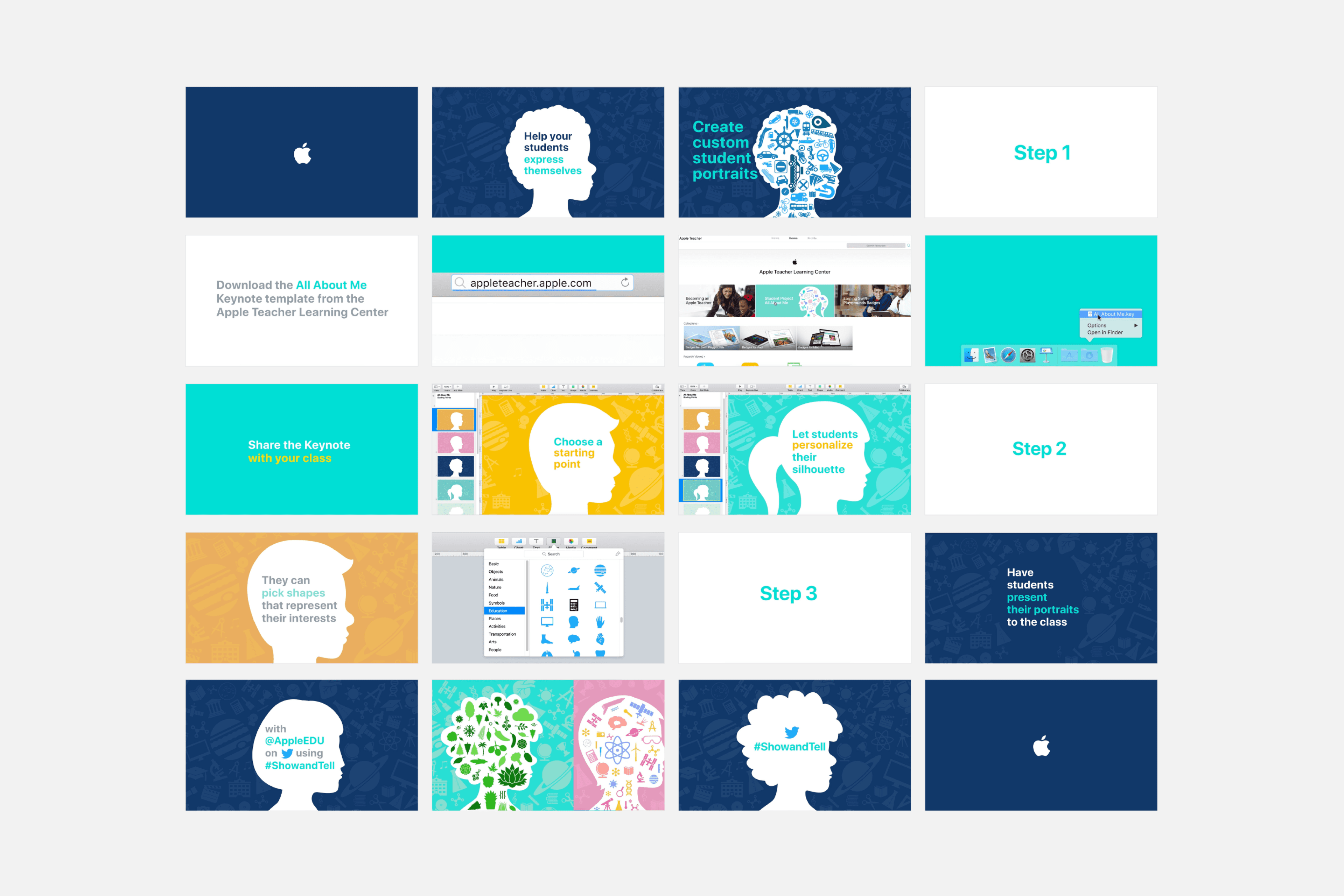
Create Silhouettes In Keynote
Apple EDU helped bridge the student-teacher gap through Silhouettes in Keynote. Students could customize silhouettes that matched their personalities and fill them with shapes to identify themselves.